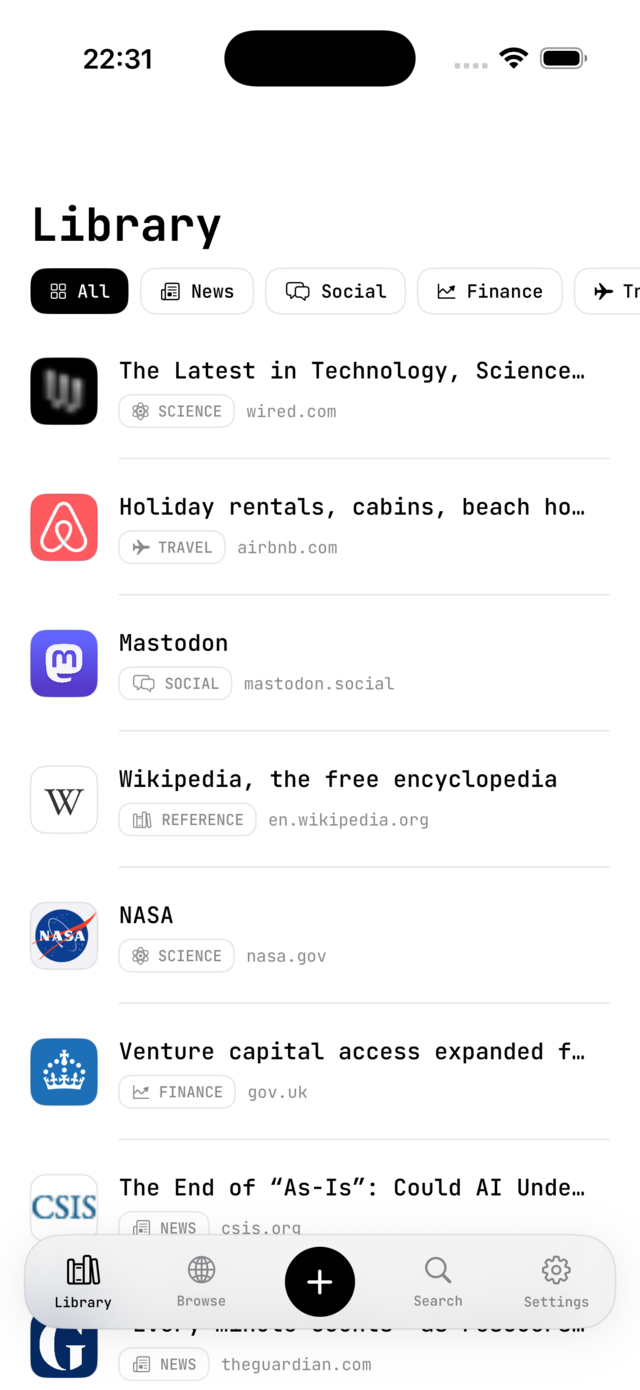
On-device categorization
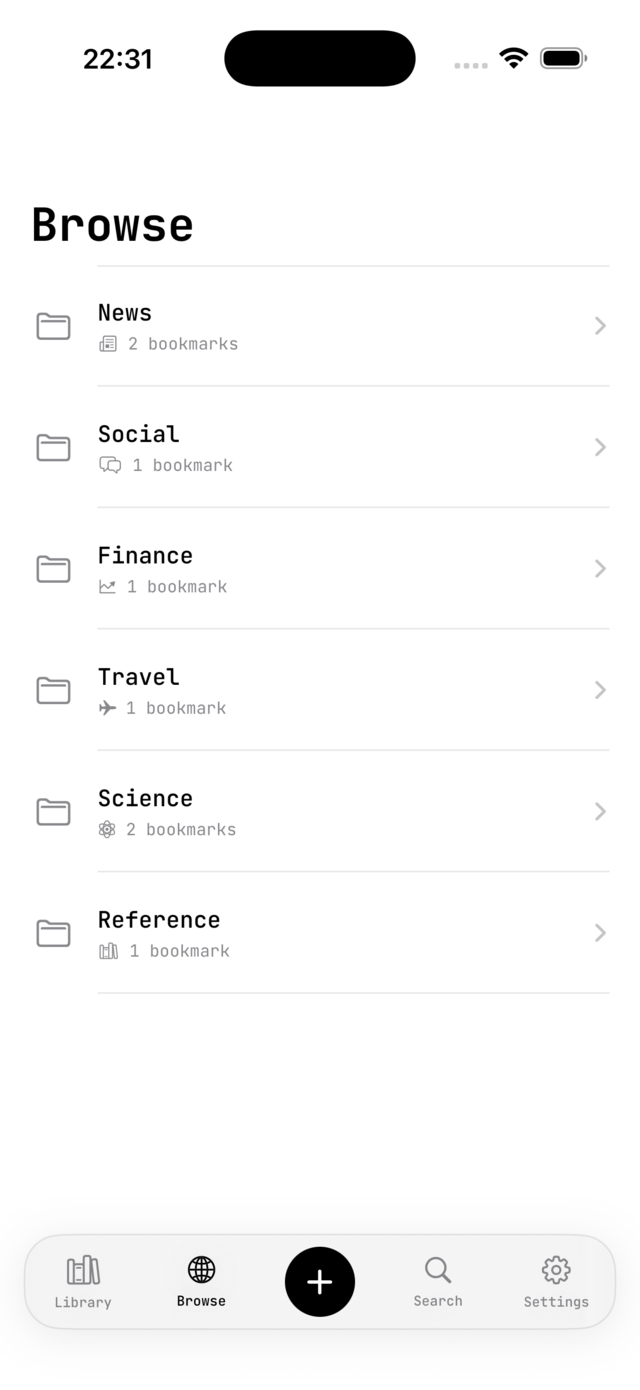
Every link is sorted into one of sixteen categories using an on-device model, with a local fallback — nothing leaves your phone to get organized.
Fetch & summarize
Paste a URL and Foliomark pulls the title and icon, then writes a short, factual one-line summary of what the page is about.
Focus Read
Strip any page down to its article in one tap — a clean, distraction-free reading layout built right into the in-app browser.
Private iCloud sync
Bookmarks back up to your own iCloud account and stay in step across every device — Foliomark never sees or stores a copy.
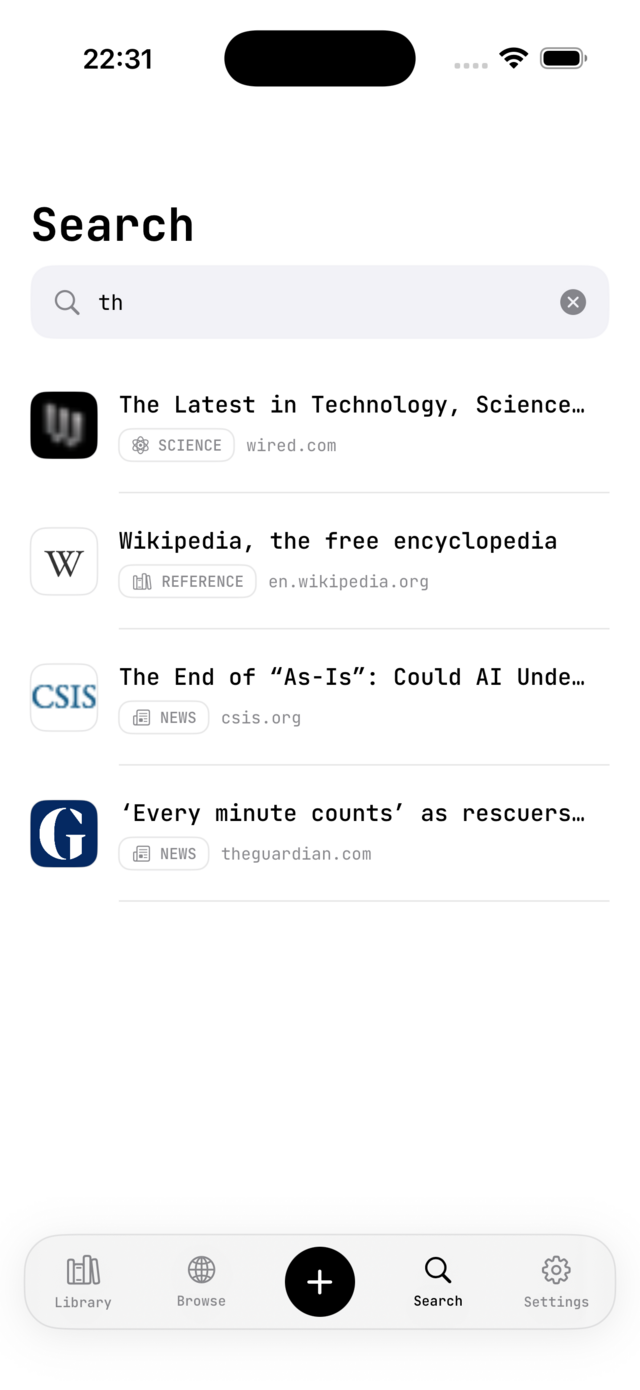
Instant search
Find anything by title, site, or summary the moment you start typing — no filters or folders to dig through.
Save from any app
Use the share sheet in Safari or any other app to send a link straight to Foliomark — it's categorized before you switch back.
Favorites & folders
Pin the links you reach for most and browse the rest as category folders — Technology, Design, Reference, and more.
Built to last
A quiet, black-and-white interface set in JetBrains Mono — designed to get out of the way and stay legible for years.